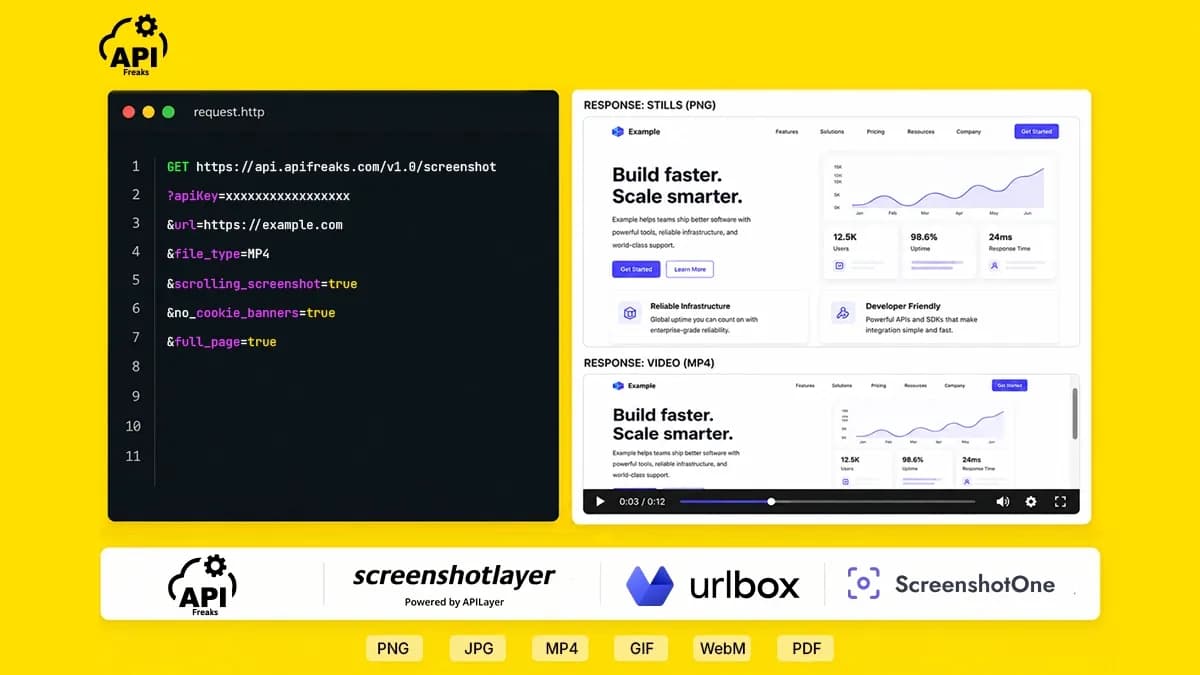

Picking the best screenshot API for your stack is harder than it looks. The feature sets vary considerably between providers, pricing models are often structured around tiers, and the difference between what is advertised and what is available on a base plan can be significant.
This post compares four screenshot APIs (APIFreaks, ScreenshotOne, Urlbox, and Screenshotlayer) across verified features, current pricing, and the capabilities that matter most in production. All pricing and feature information was verified directly from each provider's documentation and pricing pages as of June 2026.
TL;DR
- APIFreaks provides a full rendering toolset, with highlights including MP4, GIF, and WebM video, a dedicated bulk endpoint with background processing, multiple viewport scrolling in a single call, and controls like cookie blocking, code injection, dark mode, and geolocation. Every feature is available on all plans with no feature-gating, starting at $10/month.
- ScreenshotOne offers a wide feature set, including caching, webhooks, and custom JavaScript on its base plan, though video recording, scrolling, and geolocation sit on its Growth plan, and bulk is handled through a wrapper endpoint. From $17/month, or $79/month for video.
- Urlbox offers an extensive feature set with Chromium rendering and custom CSS on all plans, though video, custom JavaScript, and proxy support are reserved for its higher tiers, and render multipliers apply. From $19/month, or $99/month for video.
- Screenshotlayer focuses on static captures (PNG, JPG, GIF, WebP), and does not include video, JavaScript injection, cookie blocking, element capture, or proxy support on any plan. From $19.99/month.
- Across the comparison, APIFreaks is the only option that keeps its full feature set, including video and bulk processing, available on every tier without a plan upgrade, and it stays competitive on price as volume grows.
- For evaluation, apifreaks also offers the most generous free trial: 10,000 credits (~285 renders/screenshots) with no credit card required, against 100 screenshots or renders on the others.
- For simple static captures, most screenshot APIs are interchangeable. The differences show up with video recording, multi-viewport capture, bulk jobs, and how features are priced. If you need any of those on an entry-level plan, APIFreaks covers the full feature set from its free trial at a flat 35 credits per screenshot and only charges for successful captures.
What to Look For in a Screenshot API
Before running through individual tools, it helps to know which capabilities actually matter at production scale. Most developers start with a simple static capture requirement and encounter additional needs once the integration is live.
Output formats and video rendering. PNG covers most use cases, but pages with infinite scroll, lazy-loaded components, or animated states require video output. Scrolling screenshot support (recording a page as it scrolls from top to bottom) is a meaningful differentiator between basic and production-grade APIs. MP4, GIF, and WebM output, along with configurable scroll speed and duration, determine how much control you have over the final capture.
Bulk processing. Capturing multiple URLs at scale, whether for site monitoring, competitive research, or visual regression testing, is a different problem than single-URL capture. A purpose-built bulk endpoint with background processing and per-URL output is more reliable than looping individual requests.
Cookie banner and ad blocking. A significant share of pages render with consent modals or overlaid content by default. Built-in blocking ensures captures reflect actual page content.
Custom code injection. CSS and JavaScript injection allow you to modify page state before capture fires. This is useful for testing, documentation workflows, and generating visually consistent assets.
Device simulation and proxy support. Accurate mobile rendering requires more than viewport resizing. Proxy support extends capture capability to geo-restricted or bot-protected pages.
Pricing structure. Credit-based and render-based models can both work well. The key questions are whether the features you need are available on the plan you are paying for, and how the effective cost compares across providers once those features are included.
A note on security. Because a screenshot API fetches URLs on your behalf, avoid sending internal or private URLs to any external renderer, and check how a provider guards against server-side request forgery (SSRF) before routing untrusted URLs through it.
The Best Screenshot APIs in 2026
Each API is broken down below with its features, pricing, and an at-a-glance summary. If you would rather see everything side by side first, jump to the feature comparison matrix below.
1. APIFreaks
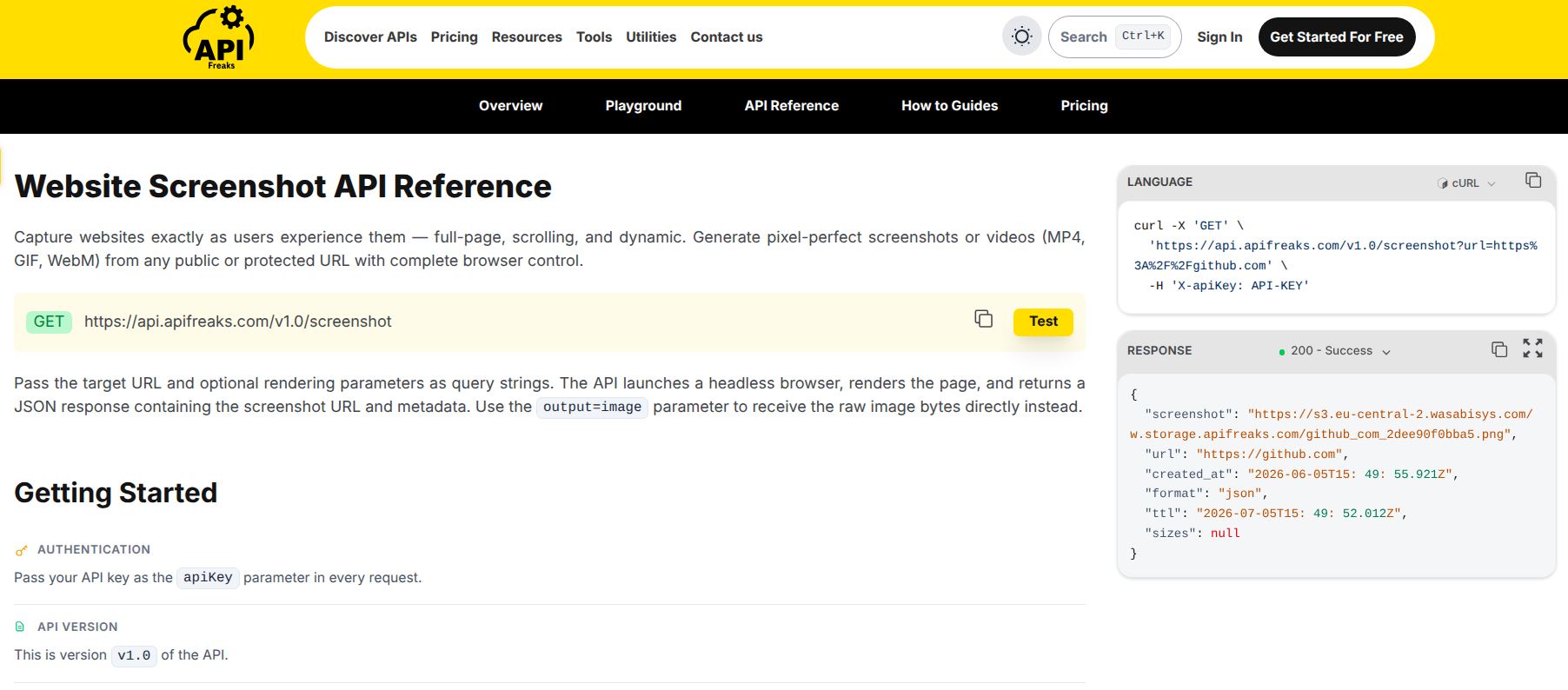
APIFreaks provides both a single-URL Website Screenshot API and a dedicated Bulk Screenshot API, part of its broader developer API catalogue. The bulk endpoint accepts up to 50 URLs per call, processes each independently in the background, and returns a separate output link per URL. No manual batching or polling required.
Features
The API supports a wide output range, PNG, JPG, WebP, PDF, HTML, and Markdown, plus video in MP4, GIF, and WebM. Two recording capabilities stand out. Scrolling video captures a page top to bottom with configurable scroll speed, immediate start, scroll-back, and duration up to 60 seconds, while the multiple_scrolling parameter records the same URL at several viewport sizes in a single request, returning a separate video for each. These are paired with the dedicated bulk endpoint described above, which handles up to 50 URLs per call.
On top of that, it carries the full set of rendering controls you would expect: cookie, ad, and chat-widget blocking; custom CSS and JavaScript injection (inline or from a URL); element capture and blur or removal of specific selectors; HTML, Markdown, text, and image-URL extraction in the same request; custom HTML rendering; dark mode; lazy-load triggering; custom proxy and custom headers; retina output; configurable caching; and geolocation. Every one of these is available on all plans, including the free trial.
Pricing
Each screenshot request costs 35 credits, regardless of which parameters are used. The bulk endpoint applies the same rate per URL. All features are available from the free trial across every paid plan.
The free trial provides 10,000 credits (~285 screenshots) with no credit card required.
| Plan | Price/month | Credits | Screenshots (approx.) |
|---|---|---|---|
| Trial | Free | 10,000 | ~285 |
| 80K Credits | $10 | 80,000 | ~2,285 |
| 600K Credits | $50 | 600,000 | ~17,142 |
| 1.5M Credits | $100 | 1,500,000 | ~42,857 |
| 4.5M Credits | $250 | 4,500,000 | ~128,571 |
| 10M Credits | $500 | 10,000,000 | ~285,714 |
| 17M Credits | $800 | 17,000,000 | ~485,714 |
One-off credit packs are available at the same tiers. A 16% discount applies on annual billing.
Credits are only consumed for successful captures. Failed requests are not billed.
APIFreaks at a glance:
- Output formats: PNG, JPG, WebP, PDF, MP4, GIF, WebM, HTML, MD
- Video recording: all plans
- Multiple viewport scrolling in one call: yes (
multiple_scrolling+sizes) - Bulk endpoint: yes, up to 50 URLs per call with background processing
- Cookie and ad blocking: yes
- Custom JS injection: yes
- Proxy support: custom proxy (user-provided)
- Geolocation: yes
- Credits per screenshot: 35, flat across all features and plans
- Free trial: 10,000 credits, no credit card required
- Starting price: $10/month
2. ScreenshotOne
Features
ScreenshotOne supports PNG, JPEG, WebP, GIF, JP2, TIFF, AVIF, HEIF, PDF, and text representations in HTML and Markdown. Full-page capture, ad and cookie banner blocking, element screenshots, custom JavaScript, caching, webhooks, and signed links are available from the base plan. It supports custom proxy configuration, where you supply your own HTTP proxy to route captures through a chosen location.
Features are split across plans. The Basic plan at $17/month covers static captures, PDFs, and HTML rendering. Video generation, scrolling screenshots, and IP location selection (geolocation) are available on the Growth plan at $79/month. There is no multiple viewport scrolling in a single call. The /bulk endpoint is described in the documentation as a wrapper around the regular screenshot API, with a note that teams needing high bulk throughput may build their own queuing solution.
Pricing
| Plan | Price/month | Screenshots | Notes |
|---|---|---|---|
| Trial | Free | 100/month | All features available to try |
| Basic | $17 | 2,000 | No video, scrolling, or geolocation |
| Growth | $79 | 10,000 | Adds video, scrolling, geolocation |
| Scale | $259 | 50,000 | Full feature access |
The free Trial plan provides 100 screenshots per month with all features available to test.
ScreenshotOne at a glance:
- Video recording: Growth plan and above ($79/month)
- Multiple viewport scrolling in a single call: not available
- Bulk endpoint: wrapper only, no dedicated background processing
- Cookie and ad blocking: yes
- Custom JS injection: yes
- Proxy support: custom proxy (user-provided)
- Geolocation: Growth plan and above ($79/month)
- Free tier: 100 screenshots/month with all features available to try
- Effective starting price for video-enabled workflow: $79/month
3. Urlbox
Features
Urlbox supports PNG, JPEG, WebP, AVIF, SVG, PDF, HTML, Markdown, MP4, and WebM output. It renders in a Chromium engine with WebGL support, 4K and 5K retina resolution, element screenshots, emoji and font support, and custom CSS injection on every plan. A separate bulk product is available for batch captures.
Feature availability is tiered across plans. The Lo-Fi plan ($19/month) covers static image formats, PDFs, full-page captures, ad and cookie banner blocking, element screenshots, and custom CSS. It limits third-party website screenshots to thumbnails and does not include custom JavaScript, proxy support, or S3 storage. Custom headers, webhooks, and user-provided S3 storage begin at Hi-Fi ($49/month). Custom JavaScript, proxy support, video rendering, animated screenshots, and scrolling screenshots are available on Ultra ($99/month) and above. There is no multiple viewport scrolling in a single call.
Pricing
The pricing model also applies render multipliers: GPU acceleration uses twice the renders of non-GPU requests.
| Plan | Price/month | Renders included |
|---|---|---|
| Lo-Fi | $19 | 2,000 |
| Hi-Fi | $49 | 5,000 |
| Ultra | $99 | 15,000 |
| Business | $495 base + $3 per 1,000 | 1,000+ |
| Enterprise | Custom (from $3,000) | Unlimited |
Render volumes on each plan are adjustable from 1,000 up to 1,000,000+, with pricing scaling accordingly. New signups start on a Hi-Fi monthly trial that includes 100 free renders with no credit card required.
Urlbox at a glance:
- Video recording: MP4, WebM (Ultra plan only, $99/month)
- Multiple viewport scrolling in a single call: not available
- Bulk: separate product
- Cookie and ad blocking: yes
- Custom JS injection: Ultra plan only ($99/month)
- Proxy support: custom proxy (user-provided), Ultra plan and above
- Geolocation: yes
- Render multipliers: GPU acceleration uses twice the renders of a non-GPU request
- Free tier: 100 renders on the Hi-Fi trial that starts at signup (no credit card required)
- Effective starting price for video-enabled workflow: $99/month
4. Screenshotlayer
Features
Screenshotlayer supports PNG, JPG, GIF, and WebP output, full-page screenshots, viewport configuration, and CDN delivery. It supports custom CSS injection through an external stylesheet URL and a delayed capture option for letting dynamic content settle before the shot fires. Retina (2x) output is available from the Basic plan and above.
Video recording, cookie and ad blocking, custom JavaScript injection, element capture, custom HTML rendering, dark mode, multiple viewport scrolling, bulk processing, and proxy support are not available on any plan.
Feature availability is largely flat across plans. The supported output formats, full-page capture, CSS injection via external URL, and delayed capture are available from the free plan upward. The two plan-gated capabilities are WebP quality, capped at 70% on the free plan and rising to full quality on Basic and above, and retina (2x) output, which starts on the Basic plan. The plans otherwise differ mainly on monthly screenshot volume.
Pricing
| Plan | Price/month | Screenshots |
|---|---|---|
| Free | $0 | 100 |
| Basic | $19.99 | 10,000 |
| Professional | $59.99 | 30,000 |
| Enterprise | $149.99 | 75,000 |
The free plan includes 100 screenshots per month. Overage on paid plans is charged at ~$0.00799 per screenshot. A 15% discount applies on annual billing.
Screenshotlayer at a glance:
- Video recording: not available
- Cookie and ad blocking: not available
- Custom CSS injection: via external URL only; custom JS injection not available
- Element capture: not available
- Dark mode: not available
- Custom HTML rendering: not available
- Multiple viewport scrolling in a single call: not available
- Bulk endpoint: not available
- Proxy support: not available
- Free tier: 100 screenshots/month
- Starting price: $19.99/month
Feature Comparison Matrix
The sections above break down each API individually. The matrix below puts the full feature set side by side, including the capabilities that tend to drive the decision (output formats, video recording, bulk processing, code injection, proxy support, geolocation) and those all four providers share. Plan prices are listed in each provider's section above.
| Feature | APIFreaks | ScreenshotOne | Urlbox | Screenshotlayer |
|---|---|---|---|---|
| Output formats | PNG, JPG, WebP, PDF, MP4, GIF, WebM, HTML, MD | PNG, JPEG, WebP, GIF, JP2, TIFF, AVIF, HEIF, PDF, HTML, MD | PNG, JPEG, WebP, AVIF, SVG, PDF, HTML, MD, MP4, WebM | PNG, JPG, GIF, WebP |
| Video recording | All plans | Growth plan and above | Ultra plan and above | N/A |
| Full-page screenshot | Yes | Yes | Yes | Yes |
| Multiple viewport scrolling (single call) | Yes | N/A | N/A | N/A |
| Dedicated bulk endpoint | Yes (50 URLs, background processing) | Wrapper endpoint | Separate product | N/A |
| Cookie/ad blocking | Yes | Yes | Yes | N/A |
| Custom CSS injection | Yes | Yes | Yes | Via css_url only |
| Custom headers | Yes | Yes | Hi-Fi plan and above | N/A |
| Custom JS injection | Yes | Yes | Ultra plan and above | N/A |
| Element capture | Yes | Yes | Yes | N/A |
| Custom HTML rendering | Yes | Yes | Yes | N/A |
| Dark mode | Yes | Yes | Yes | N/A |
| Lazy load trigger | Yes | Yes | Yes | Via delayed capture |
| Proxy support | Custom proxy | Custom proxy | Custom proxy (Ultra plan and above) | N/A |
| Retina output | Yes | Yes | Yes | Basic plan and above |
| Geolocation | Yes | Growth plan and above | Yes | N/A |
| S3 upload | N/A | All plans | Hi-Fi plan and above | Professional plan and above |
| Caching | Yes | Yes | Yes | Yes |
| Failed-shot billing | Successful requests only | Not confirmed | Not confirmed | Not confirmed |
| Free tier | 10,000 credits (~285), no card | 100 screenshots/mo | 100 renders (Hi-Fi trial on signup) | 100 screenshots/mo |
| Feature-gating | None | Yes | Yes | Minimal |
Pricing at Common Volumes
Pricing verified June 2026. Check each provider's live pricing page before relying on these figures, as plans and prices may change.
The volumes below reflect common developer usage tiers. Each provider measures usage differently: APIFreaks bills 35 credits per screenshot, ScreenshotOne and Screenshotlayer bill per screenshot, and Urlbox bills per render. For each volume, the nearest plan and its included capacity are shown.
~1,000 screenshots per month
- APIFreaks: $10/month, 80K credit plan (80,000 credits, covers ~2,285 screenshots), all features
- ScreenshotOne: $17/month Basic plan (2,000 screenshots), static only; video and geolocation require Growth at $79/month
- Urlbox: $19/month Lo-Fi plan (2,000 renders) for static, or $99/month Ultra plan (15,000 renders) for video
- Screenshotlayer: $19.99/month Basic plan (10,000 screenshots), static only
~10,000 screenshots per month
- APIFreaks: $50/month, 600K credit plan (600,000 credits, covers ~17,142 screenshots), all features
- ScreenshotOne: $79/month Growth plan (10,000 screenshots), required for video
- Urlbox: $52/month Lo-Fi plan (10,000 renders) for static, or $99/month Ultra plan (15,000 renders) for video
- Screenshotlayer: $19.99/month Basic plan (10,000 screenshots), static only
~100,000 screenshots per month
- APIFreaks: $250/month, 4.5M credit plan (4,500,000 credits, covers ~128,571 screenshots), all features
- ScreenshotOne: $259/month Scale plan (50,000 screenshots), requires a higher tier or overage for 100,000
- Urlbox: $370/month Lo-Fi plan (100,000 renders) for static, or $510/month Ultra plan (100,000 renders) for video
- Screenshotlayer: $149.99/month Enterprise plan (75,000 screenshots), static only, plus overage beyond included volume
Because each provider's plans rarely match a volume exactly, the nearest plan often includes more or fewer captures than the target. APIFreaks' credit model means a single plan covers any mix of features at the same 35-credit rate, so the included capacity above applies whether or not you use video, bulk, or other advanced options. The effect is most visible at scale: at 100,000 screenshots with video, APIFreaks at $250/month sits below Urlbox Ultra at $510/month, while ScreenshotOne's $259 Scale plan covers only 50,000 before requiring a higher tier or overage. Screenshotlayer is the lowest-priced at this volume but covers static captures only, without video, bulk, or advanced rendering.
Making the Right Choice
Your decision comes down to which features your workflow needs and how those features are priced across plans.
The differences are clearest at the points that matter most. Video recording is available on every APIFreaks plan, but sits behind the Growth plan on ScreenshotOne, the Ultra plan on Urlbox, and is absent from Screenshotlayer. Multiple viewport scrolling in a single call is offered only by APIFreaks. Bulk capture is a dedicated background-processing endpoint on APIFreaks, a wrapper endpoint on ScreenshotOne, a separate product on Urlbox, and unavailable on Screenshotlayer.
So if you need video recording, multiple viewport scrolling in a single call, or bulk processing alongside the usual rendering controls, and you want them without a tier upgrade, APIFreaks covers all of it from the entry plan. The Website Screenshot API handles individual captures with the complete parameter set, and the Bulk Screenshot API handles batch jobs of up to 50 URLs with per-URL configuration, both at 35 credits per screenshot regardless of which features are used.
Conclusion
Whichever screenshot API you choose, the most reliable way to decide is to test against your own URLs and see how the output and pricing hold up for your workload.
APIFreaks makes that easy with 10,000 free credits, roughly 285 screenshots across the full feature set, and no credit card required. Sign up for a free APIFreaks account to get started, then explore the Website Screenshot API for single captures or the Bulk Screenshot API for batch jobs.
Frequently Asked Questions
What is a screenshot API?
A screenshot API lets you capture any web page as an image or video file via an HTTP request, without running a browser on your own infrastructure. You send a URL, the API renders it in a real browser engine, and returns the output in your chosen format.
Why use a screenshot API instead of Puppeteer or Playwright?
Running Puppeteer yourself is free but operationally expensive. A single browser instance consumes significant memory, crashes require handling, and scaling to thousands of concurrent captures requires real infrastructure. Screenshot APIs handle all of that. For most teams, the API cost is lower than the engineering time required to maintain a self-hosted solution at any non-trivial scale.
What is the difference between a screenshot API and a bulk screenshot API?
A standard screenshot API processes one URL per request. A bulk screenshot API accepts a list of URLs in a single call and processes them concurrently in the background. For capturing tens or hundreds of pages, a bulk endpoint is significantly faster and simpler than looping a single-URL endpoint with rate limit handling.
Do screenshot APIs handle JavaScript-heavy pages?
Yes. All the APIs in this comparison render in a real browser engine and execute JavaScript before capturing. The meaningful difference is in how much control you have over the rendering process: setting delays, injecting custom code, waiting for specific DOM elements to appear, or blocking certain resource types to speed up rendering.
What output format should I use for full-page captures?
PNG for static full-page screenshots where quality matters. WebP for the same use case with smaller file sizes. MP4, GIF, or WebM for pages with infinite scroll, animations, or lazy-loaded content that won't appear in a static frame.
Is there a free screenshot API?
Yes, though limits vary widely. ScreenshotOne, Urlbox, and Screenshotlayer cap their free plans at around 100 captures per month. APIFreaks gives 10,000 free credits, roughly 285 full-feature screenshots, with no credit card required, so you can test scrolling video, bulk, and multi-viewport capture before paying.